MCP

ChatGPT

Create a ChatGPT custom connector for Bigmind.

Create a ChatGPT custom connector to connect ChatGPT to Bigmind.

#Setup

  1. Open ChatGPT.
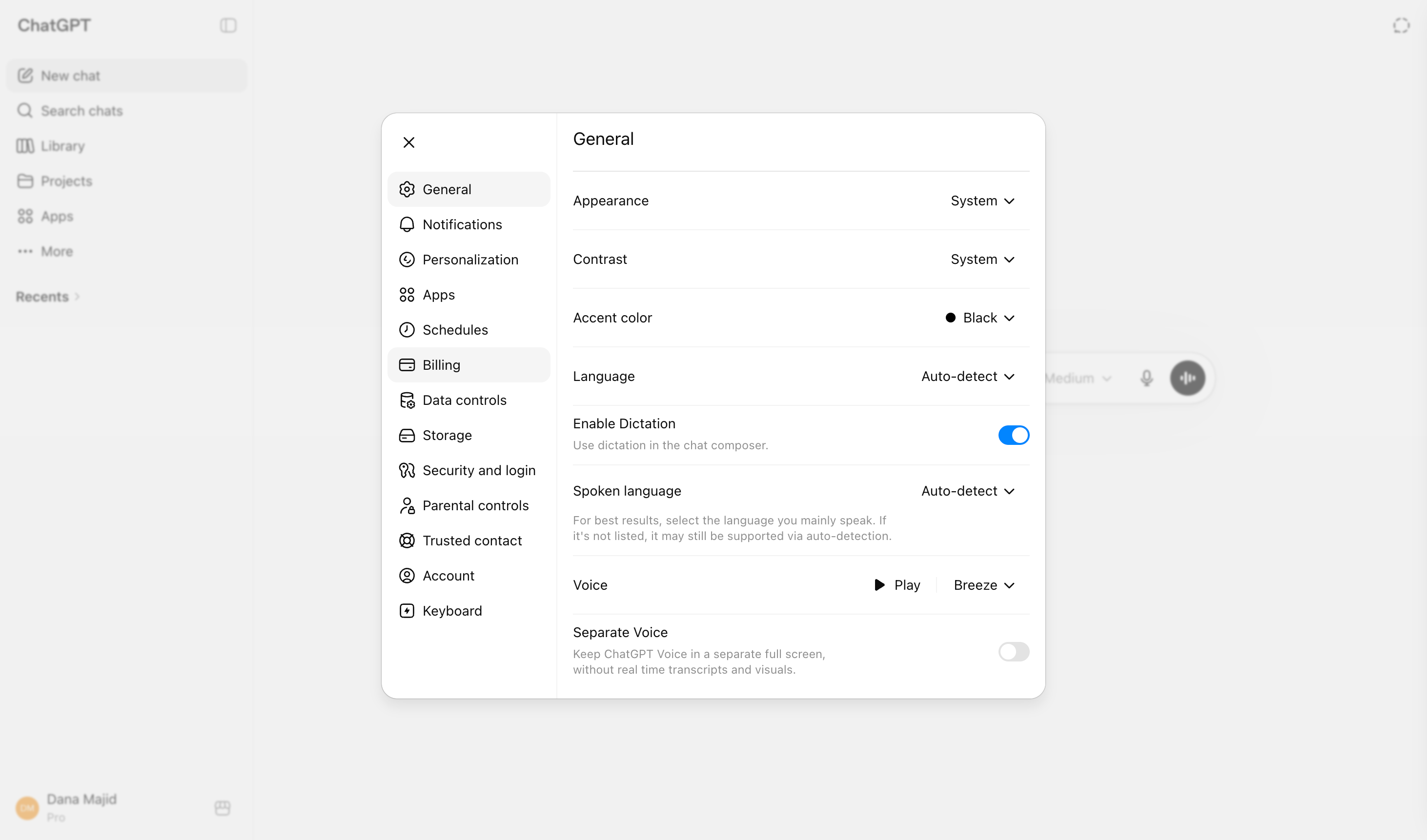
  2. Open settings.
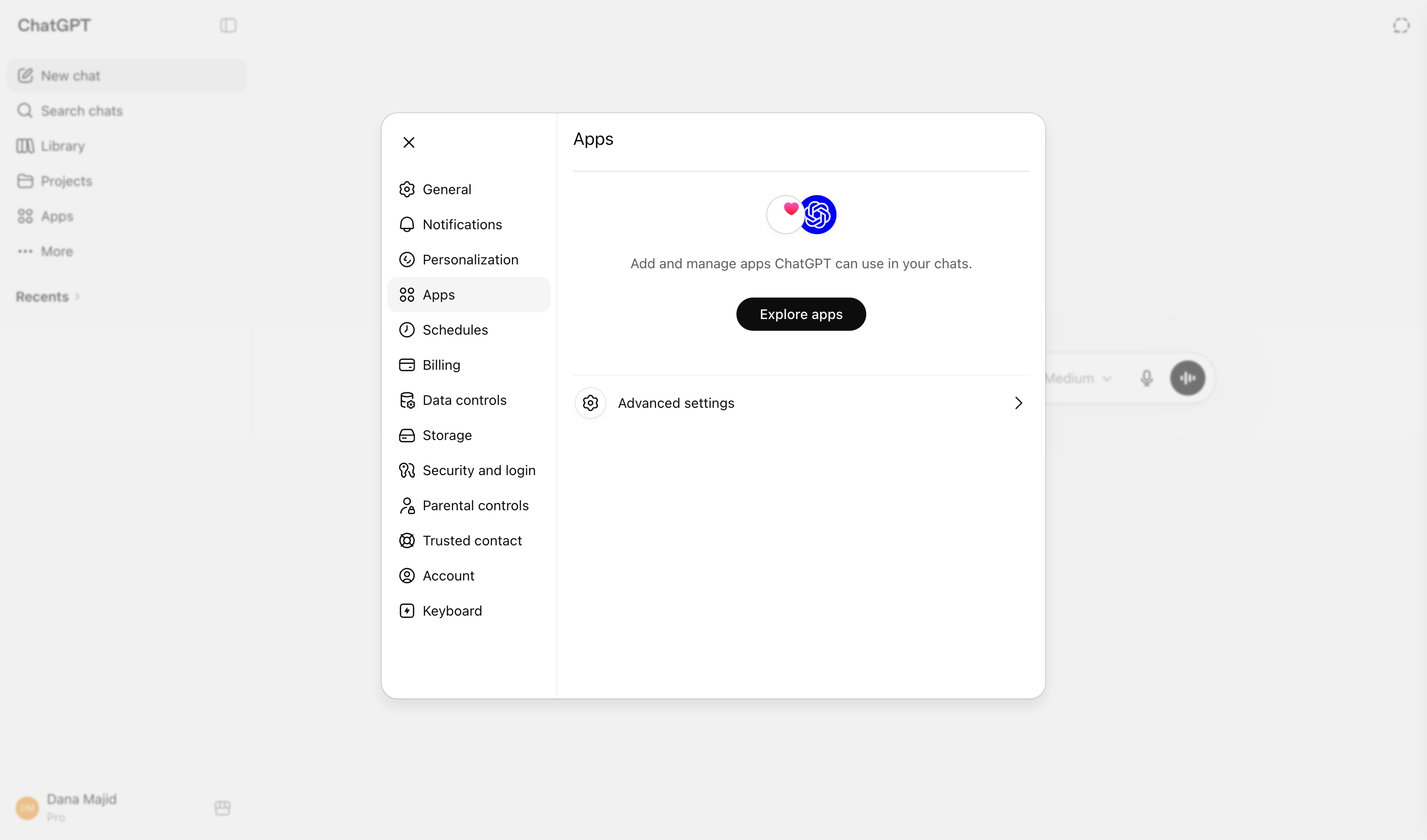
  3. Go to Apps.
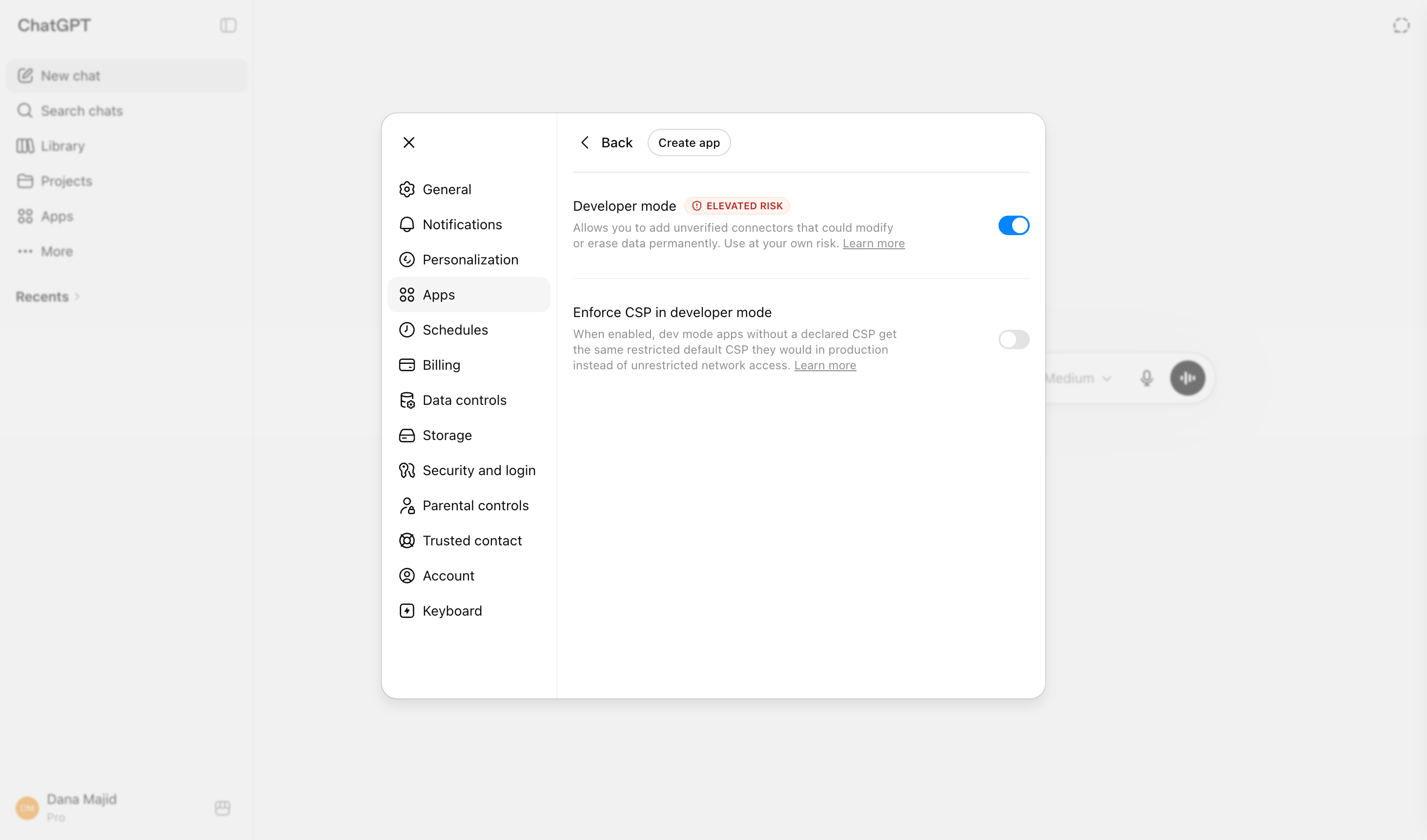
  4. Enable developer mode from advanced settings.
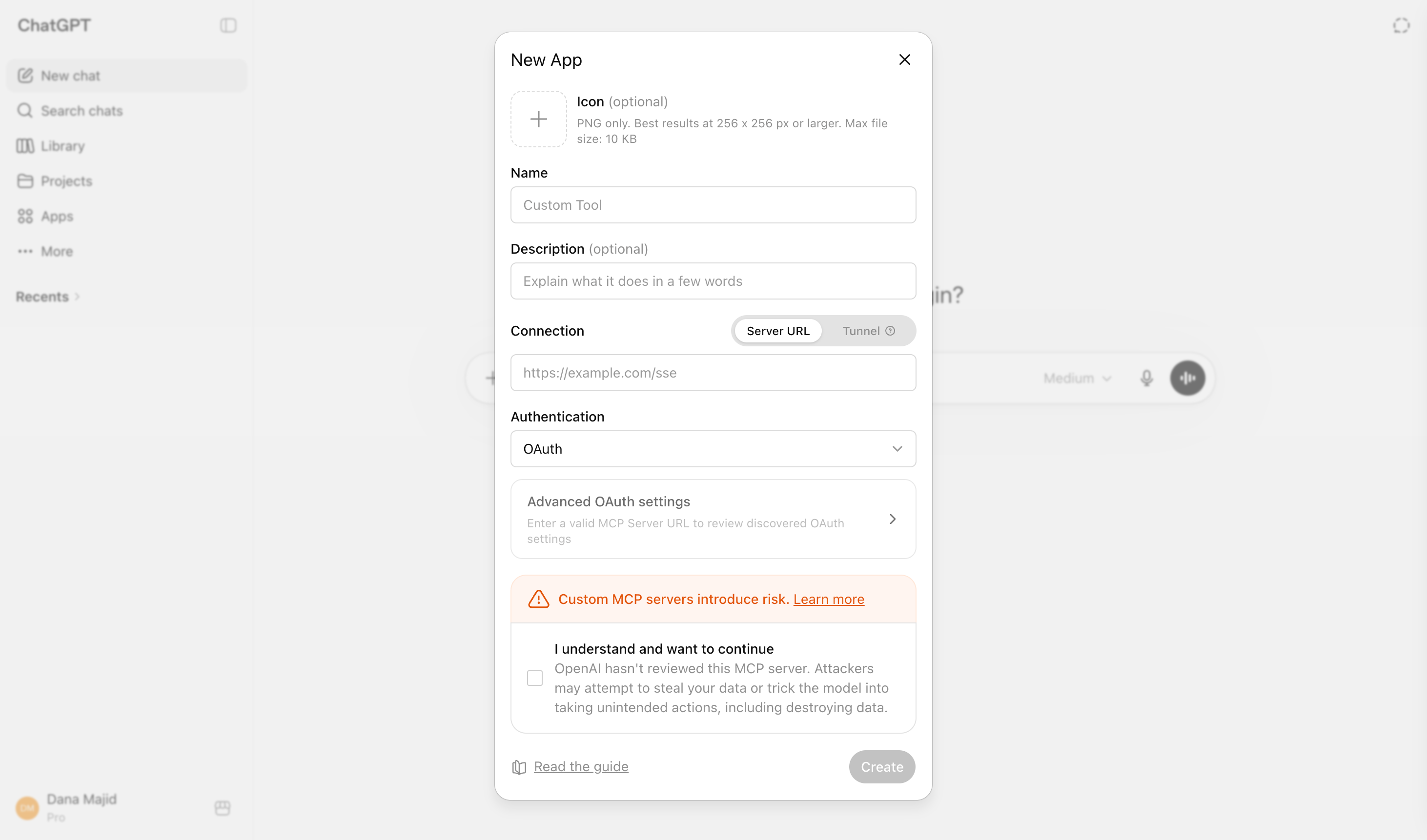
  5. Create an app or custom connector.
  6. Use https://api.bigmind.ai/mcp as the remote MCP server URL.
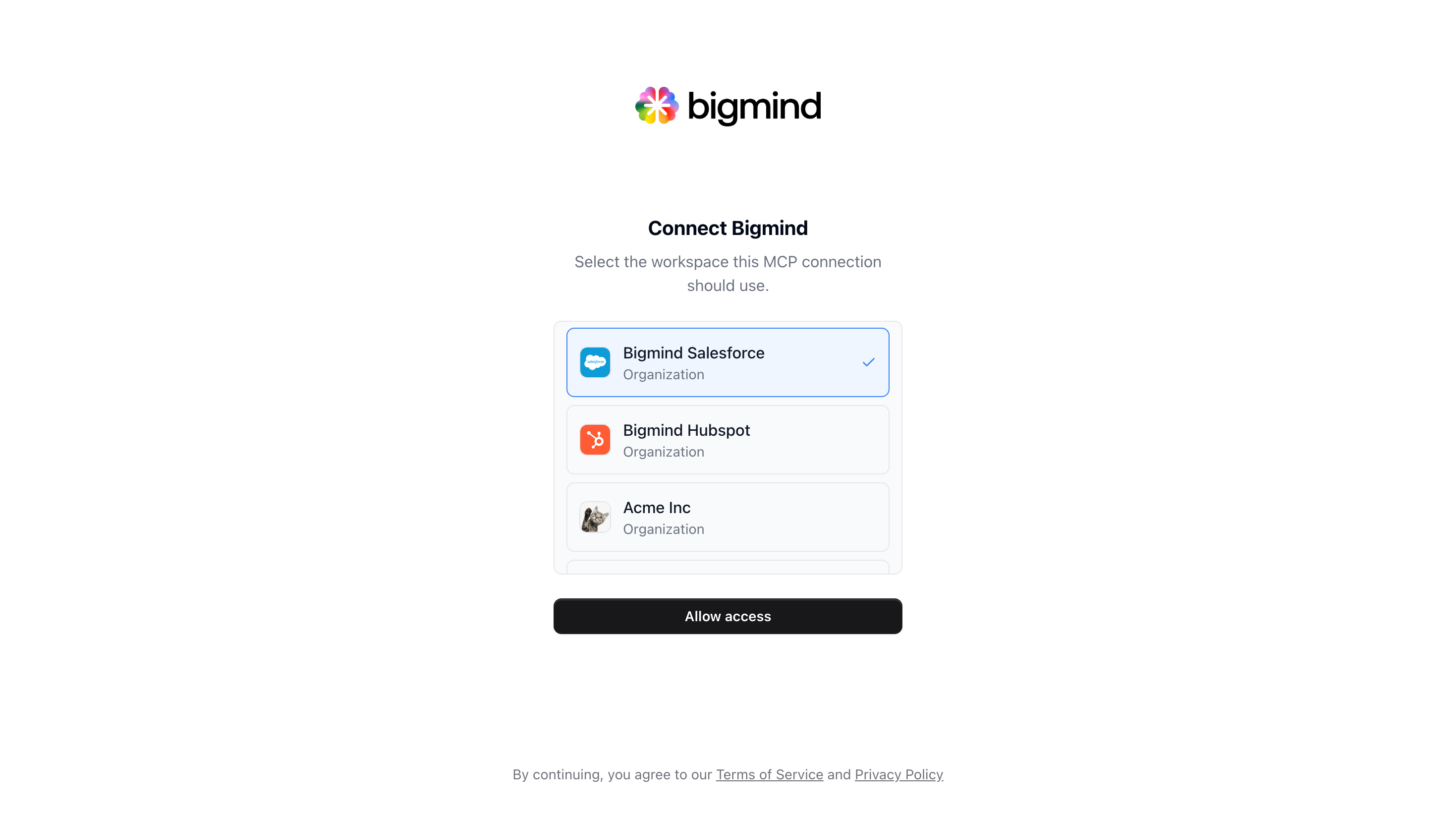
  7. Complete the Bigmind OAuth flow and choose the workspace this connection should use.
  8. Pick the ChatGPT organization where the connector should be available.

#Screenshots
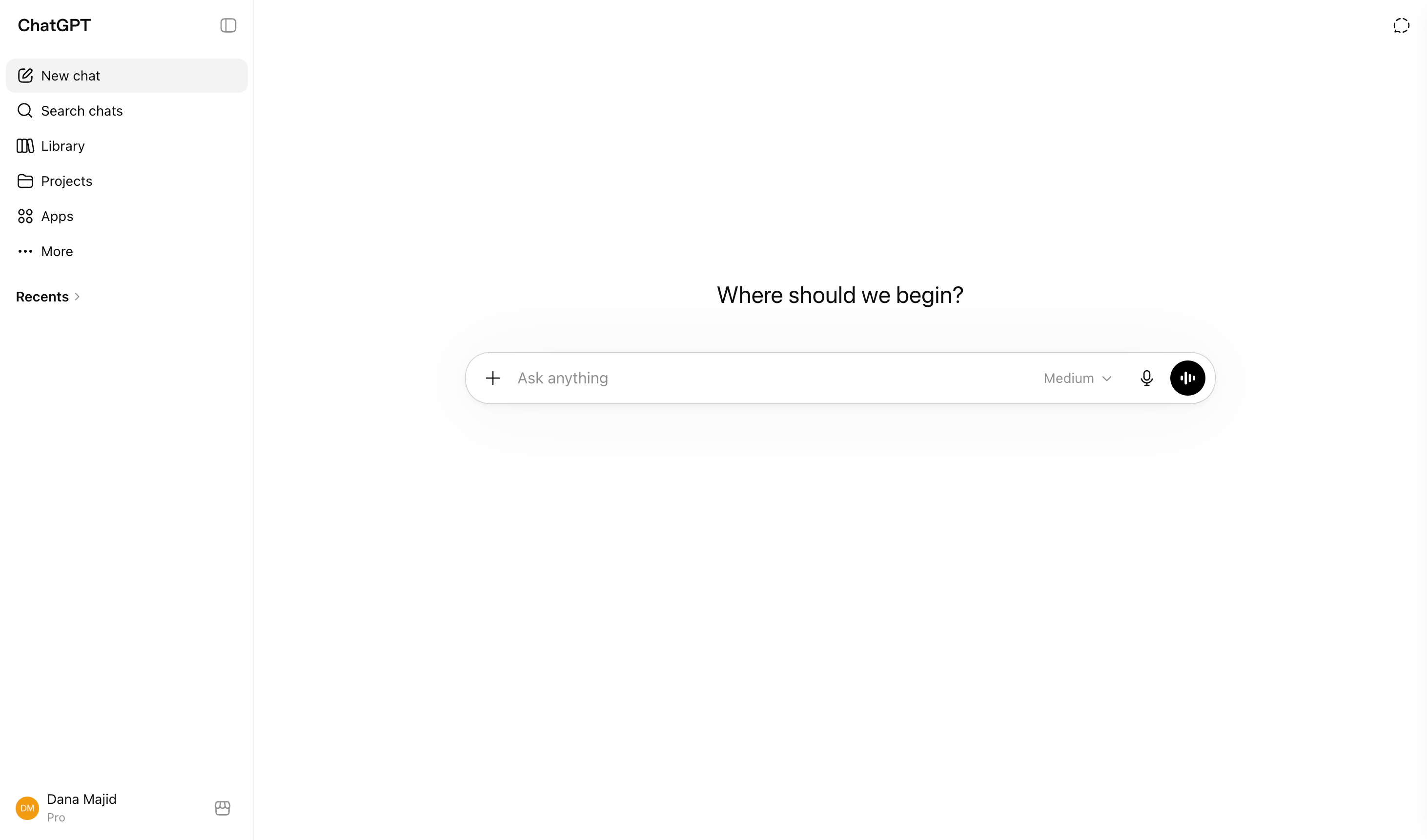
Open ChatGPT
Open ChatGPT.
Open ChatGPT settings
Open settings.
Open ChatGPT apps settings
Go to Apps.
Enable ChatGPT developer mode
Enable developer mode from advanced settings.
Create a ChatGPT app
Create an app or custom connector.
Pick a ChatGPT organization for the Bigmind connector
Pick the ChatGPT organization where the connector should be available.

#Advanced list tools

Use https://api.bigmind.ai/mcp?tools=lists.read for read-only list access, or https://api.bigmind.ai/mcp?tools=lists.write for read and write list access.

Updated 6/15/2026